REMOTE DESKTOP & SSH
Your Mac stays.
Your work moves.
Bring your Mac and servers within reach.
Remote desktop and SSH, together on your phone or tablet.
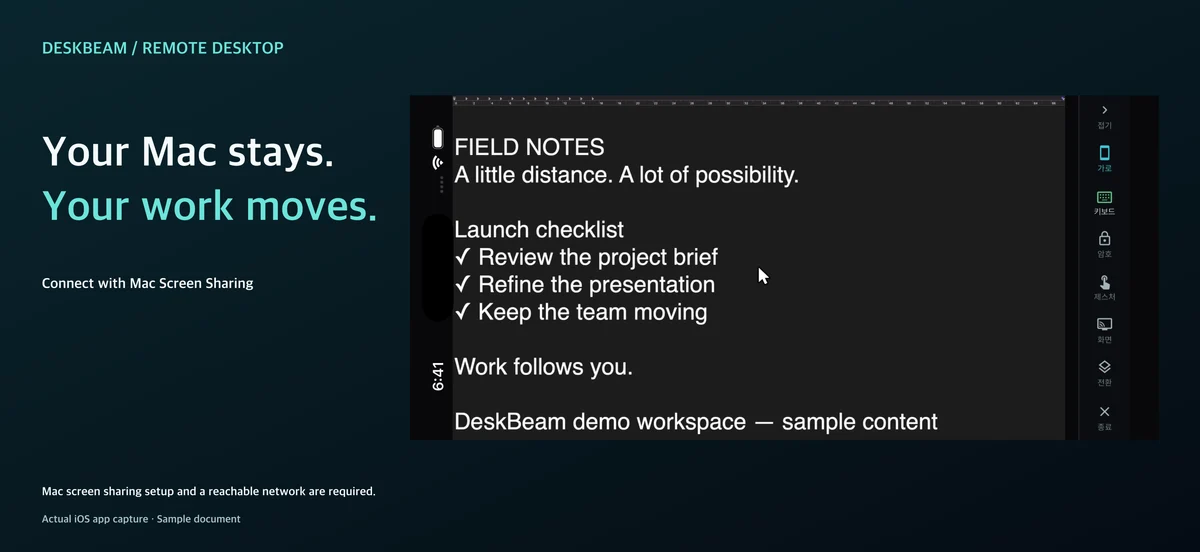
Mac remote desktop & VNC
View and control your computer with macOS Screen Sharing or a compatible VNC server. No separate DeskBeam app is needed on your Mac.
Touch, mouse & keyboard
Choose direct touch or trackpad mode. Double-click, right-click, zoom and scroll. Slide one finger to scroll in direct touch mode, or connect a Bluetooth mouse and keyboard.
SSH terminal & workspace
Connect with a password or private key. Saved commands, server notes, sent-command history and a symbol picker keep everyday tools close.
See DeskBeam in action
Actual iOS Mac connection and SSH footage, followed by Android keyboard tools. Uses sample documents and a local demo.
Before you connect
Do I need an app on my Mac?
Enable Screen Sharing or Remote Login in macOS settings. No separate DeskBeam app is required on the Mac. Mac system audio streaming is not supported.
Can I connect from anywhere?
You need permission to access the computer and a reachable network. Use the same network or separately configure a secure connection such as a VPN.
Is DeskBeam free to use?
One saved profile is free. Check the app for a lifetime Pro purchase and an optional 7-day trial with no automatic charge. After the trial, one profile remains free; additional profiles require a separate Pro purchase.
Does it support multilingual input?
Compose Unicode text with your device keyboard. Results depend on the remote server, input method, fonts and app. Some app screens use English.